Adoptoi Accessibility
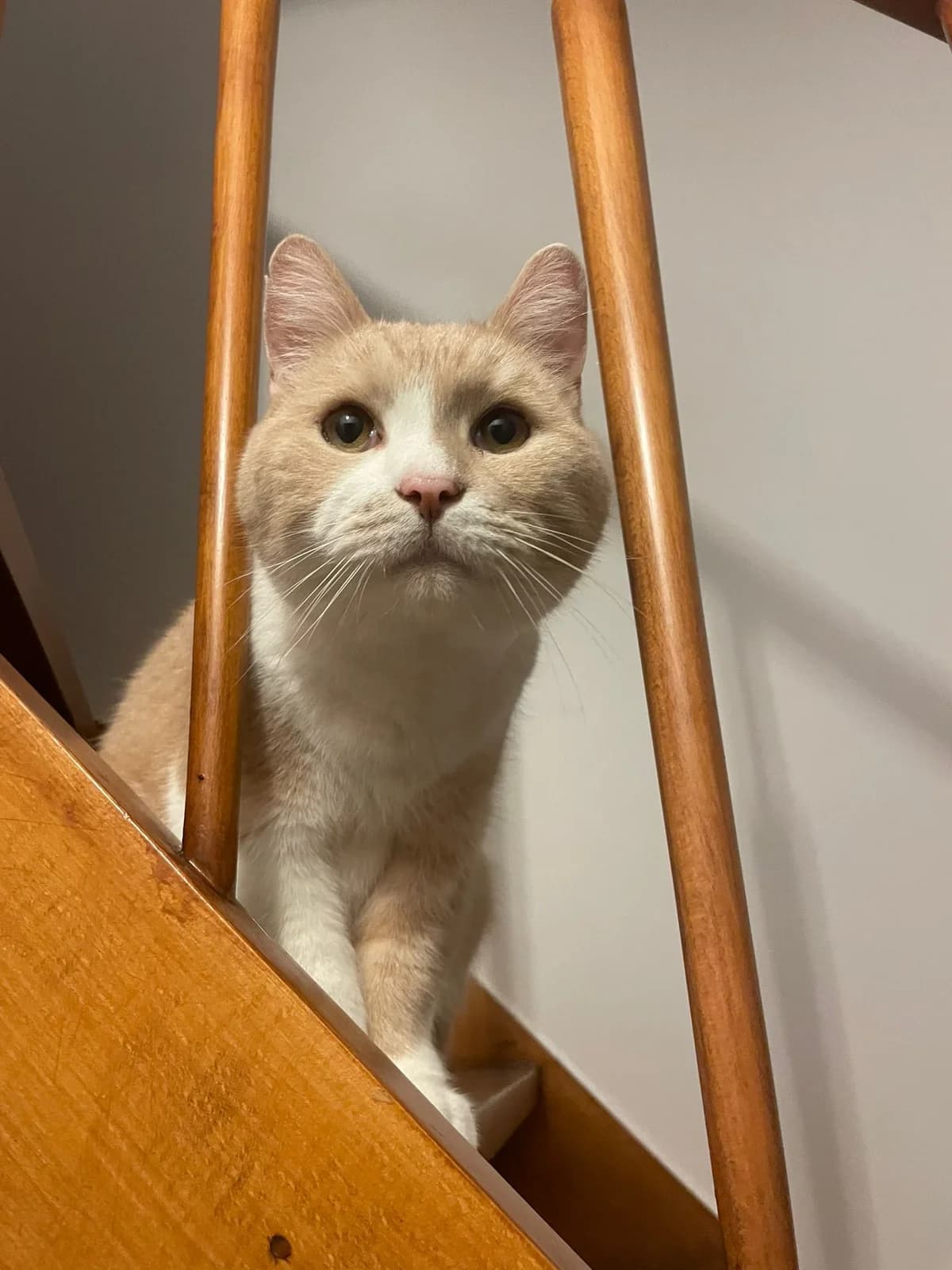
Rasvahybridi · Tuntematon · Iäkäs · 25 vuotta
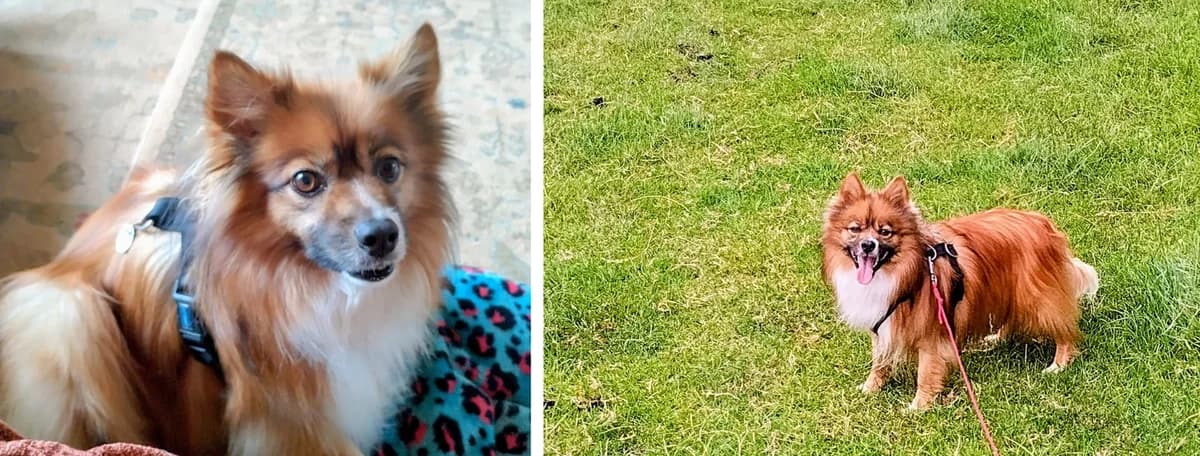
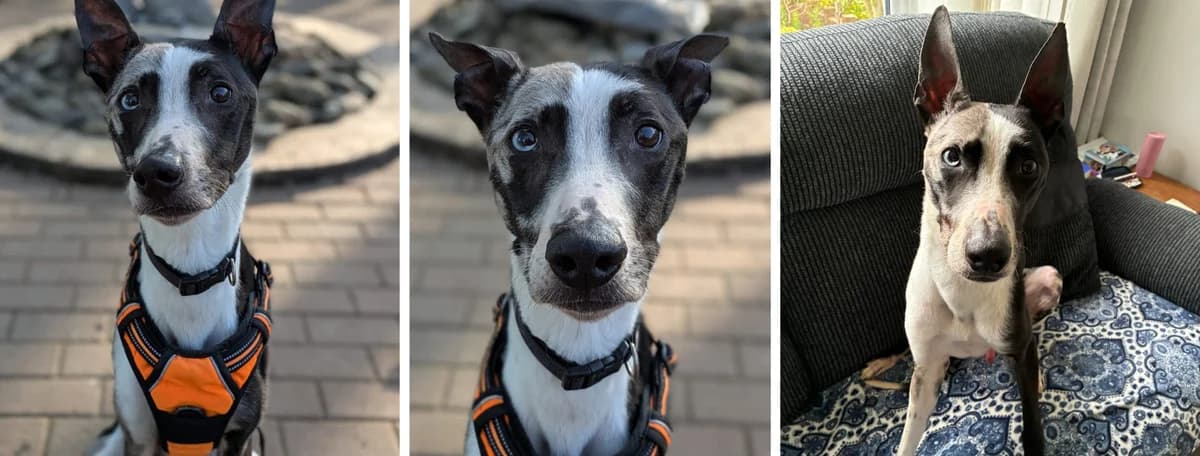
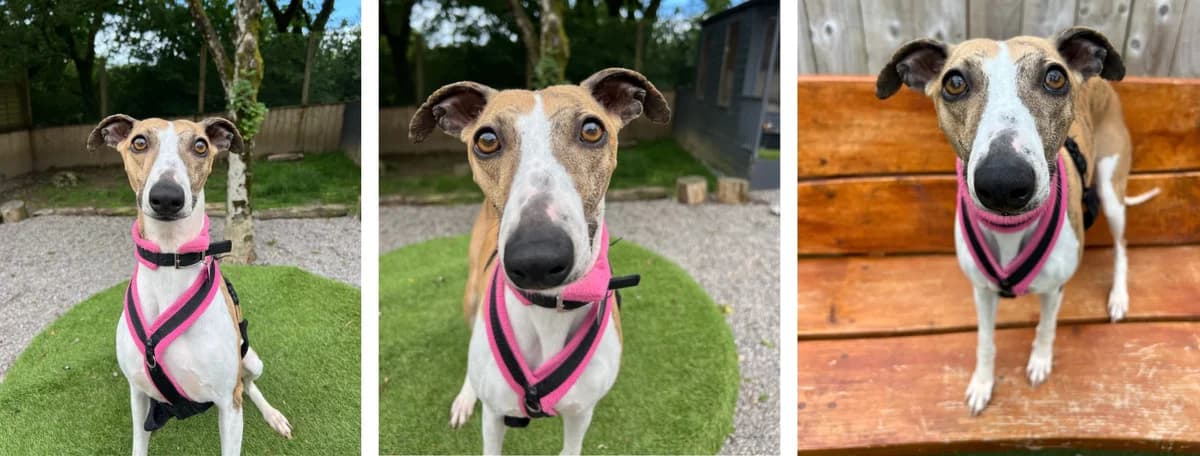
Olemme sitoutuneet tarjoamaan verkkosivuston, joka on saatavilla mahdollisimman laajalle yleisölle riippumatta teknologian tai kyvyn suhteesta. Olemme aktiivisesti työskennelleet lisäämässä verkkosivustomme saatavuutta ja käytettävyyttä ja toimimme monien saatavilla olevien standardeiden ja ohjeiden mukaisesti. Tämä sivusto pyrkii noudattamaan W3C Web Content Accessibility Guidelines 2.0 -tason Double-A. Näissä ohjeissa kerrotaan, miten tehdään verkkosisältöä helpompaa saada aikaan henkilöille, joilla on erilaisia vaikeuksia. Näiden ohjeiden noudattaminen auttaa tekemään verkon käyttäjäystävällisemmäksi kaikille. Tämä sivusto on rakennettu koodilla, joka vastaa W3C-standardien mukaista HTML- ja CSS-koodia. Sivu näkyy oikein nykyisissä selaimissa, ja sen ansiosta tulevat selaimet näyttävät sen myös oikein. Vaikka meillä on tavoitteena noudattaa hyväksyttyjä ohjeita ja standardeja saatavuudesta ja käytettävyydestä, ei ole aina mahdollista tehdä niin kaikissa sivuston osissa. Me etsimme jatkuvasti ratkaisuja, jotka tuovat kaikki sivuston osat samaan kokonaisen web-saatavuuden tasoon. Jos kohtaat vaikeuksia tämän sivuston käytössä, älä epäröi ottaa yhteyttä meille. Käyttämällä päivitettyä selainta (ohjelmaa, jonka käytät internetin käyttöön) saat pääsyn paljon laajempaan valikkoon, joka voi auttaa sinua navigoitaessa tämän sivuston läpi. Suosittelemme seuraavia standardiselaimia, joissa on linkit asennusohjeisiin: Kun ne on asennettu, ne tarjoavat omat saatavuuselementtinsä ja voivat mahdollistaa lisävalintoja lisäohjelmien avulla. Lue lisää jokaisen niistä saatavuussivulta: Valitse alla oleva linkki muuttaaksesi sivun ulkoasua. Kun asetat sen, sivu säilyy tässä muodossa korkeintaan 30 päivää tai kunnes valitset eri vaihtoehdon. Yritämme varmistaa, että sivu näyttää oikealta eri ulkoasuissa, mutta koska sivu ja sen sisältö ovat jatkuvasti muuttuvia, tämä ei aina ole mahdollista. Jos huomaat jotain, joka ei näytä oikealta, ilmoita meille. Näppäinkomennot / Pääsyluvut Erilaiset selaimet käyttävät eri näppäinyhdistelmiä pääsyluvujen aktivoimiseen, kuten alla: Useimmat nykyiset selaimet jakavat useimmat käytettävyysohjelmistot, tässä listaus hyödyllisistä ominaisuuksista: Vaiheittainen haku Vaiheittainen haku mahdollistaa johdonmukaisen haun verkkosivulla tietyn sanan tai ilmauksen osalta. Aktivoimiseksi selaimessasi paina ja pidä painettuna Ctrl/Command-näppäintä ja paina sitten F-näppäintä. Tämä avaa laatikon, johon voit kirjoittaa etsintäsanaston. Kun kirjoitat, vastaavuudet korostetaan sivulla. Avaruushallinta Painamalla tab-näppäintä siirryt seuraavaan vuorovaikutusmahdollisuuteen missä tahansa sivulla. Painamalla SHIFT-näppäintä ja sitten tab-näppäintä palaat edelliseen vuorovaikutusmahdollisuuteen. Kursorin hallinta (vain Internet Explorer ja Firefox) Sen sijaan että käytät hiirtä valiten tekstiä ja liikkuen verkkosivulla, voit käyttää näppäimistöllä olevia tavallisia navigointinäppäimiä: Home, End, Page Up, Page Down & nuolinäppäimet. Tämä ominaisuus on nimetty kursorin, eli merkin, nimellä, joka ilmestyy, kun muokkaat asiakirjaa. Avaamiseksi paina F7 -näppäintä päälautastasi ja valitse, haluatko ottaa käyttöön kursorin nykyisellä välilehdellä vai kaikilla välilehdillä. Tyhjätilan painaminen Painamalla tyhjätilan näppäintä verkkosivulla siirrät näkymää alas seuraavaan näkyvään sivupilkkuun. Tekstifontit Selaimen mukaan voit korvata kaikki fontit sivulla sellaisella, joka on helpompi lukea. Valinnat löytyvät selaimesi asetuksista. Muuta fonttia Internet Explorerissa Laajenna näkymää Voit aktivoi selaimen zoomauksen näppäinyhdistelmillä. Laajenna koko tietokoneen näyttöä Apple Mac ja Windows-järjestelmät sisältävät mahdollisuuden laajentaa näkymää ruutusi: Windows Apple OS X Tee tietokoneestasi lukuaksi Tämä sivusto on rakennettu screen reader -ohjelmien huomioon. Valikot, kuvat ja syöttökentät sisältävät oikeat merkinnät ja koodit, jotka täydentävät valitsemaasi näytön lukijaa. Olemme testanneet seuraavilla työkaluilla: NVDA (NonVisual Desktop Access) on ilmainen näytön lukija tietokoneille, jotka käyttävät Windows-järjestelmää. Uusin versio voidaan ladata ilmaiseksi tästä (tässä sivulla voit saada pyynnön vapaaehtoiseen lahjoitukseen, jos et halua lahjoittaa, valitse "skip donation this time") WAVE kehitettiin ja tarjotaan ilmainen yhteisöpalvelu WebAIM:llä. Alkuperäisesti käynnistetty vuonna 2001, WAVE on käytetty arvioimaan miljoonia verkkosivuja. Lue lisää tästä Microsoft Windows Narrator on saatavilla enimmäkseen Microsoft Windows-järjestelmäversioissa ja lukee tekstiä näytöltä ja kuvailee tapahtumia, kuten virheviestejä, jotta voit käyttää tietokonetta ilman näyttöä. Lisätietoa ja tietoa siitä, miten voit ottaa sen käyttöön versiossasi, klikkaa tästä Hallitse tietokonetta ääninäppäimillä Apple Mac ja Windows-järjestelmät tarjoavat molemmat mahdollisuuden hallita tietokonetta ääninäppäimillä: Windows Apple OS X Kolmannen osapuolen ääninäppäimiohjelmistoa on saatavilla. Olemme sitoutuneet tarjoamaan sinulle pääsyn suurimpiin resursseihin. Jos huomaat jotain, joka ei näytä oikealta tai jos sinulla on ehdotuksia siitä, miten voimme parantaa palveluidemme laatuja, ilmoita meille. Julkaistu: 30. kesäkuuta, 2014 Päivitetty: 21. syyskuuta, 2016 Daisy on Staffordshire Bull Terrier -ristikko, etsimässä kotia. Bamboo on Lurcher, etsimässä kotia. Finn ja Echo ovat Pomeranian -
Lue alkuperäinen (en)
We are committed to providing a website that is accessible to the widest possible audience, regardless of technology or ability. We are actively working to increase the accessibility and usability of our website and in doing so adhere to many of the available standards and guidelines. This website endeavours to conform to level Double-A of the World Wide Web Consortium W3C Web Content Accessibility Guidelines 2.0. These guidelines explain how to make web content more accessible for people with disabilities. Conformance with these guidelines will help make the web more user friendly for all people. This site has been built using code compliant with W3C standards for HTML and CSS. The site displays correctly in current browsers and using standards compliant HTML/CSS code means any future browsers will also display it correctly. Whilst we strive to adhere to the accepted guidelines and standards for accessibility and usability, it is not always possible to do so in all areas of the website. We are continually seeking out solutions that will bring all areas of the site up to the same level of overall web accessibility. In the meantime should you experience any difficulty in accessing our website, please don’t hesitate to contact us. By using an up-to-date browser (the program you use to access the internet) you will have access to a much richer set of options to aid you as you navigate your way around this site. The standard browsers we would recommend are below with links to install each of them: Once installed, each will bring its own selection of accessibility options and may allow further options via the use of plug-ins. For more details see the Accessibility page for each one: Please choose a link below to change the way the site looks. Once set, the site will remain in this style for up to 30 days or until you select a different option. We endeavour to ensure the site looks correct is these different styles but because of the constantly changing nature of the site and its content, this may not always be possible. If you do spot anything which doesn't look quite right, then please let us knowKeyboard Short Cuts / Access Keys Different browsers use different keystrokes to activate access key shortcuts, as shown below: Most modern browsers all share the most common accessibility tools, here is a list of useful features: Incremental SearchIncremental search allows you to progressively search a web page for a particular word or phrase on a page. To enable this on your browser, press and hold Ctrl/Command and then tap F. This will open a box to type your search into. As you type, the matches will be highlighted on the page for you. Spatial NavigationHitting tab will jump you to each of the items you can interact with on any page. Holding the SHIFT key and then pressing tab will take you to the previous item. Caret Navigation (Internet Explorer and Firefox only)Instead of using a mouse to select text and move around within a webpage, you can use standard navigation keys on your keyboard: Home, End, Page Up, Page Down & the arrow keys. This feature is named after the caret, or cursor, that appears when you edit a document. To turn this feature on, press the F7 key at the top of your keyboard and choose whether to enable the caret on the tab you are viewing or all your tabs. Space barPressing the space bar on a web page will move the page you are viewing down to the next visible part of the page. Text fontsDepending on your browser, you can override all fonts on the site to one that is easier for you to read. Options can be found in your browser's settings/preferences. Change Font in Internet Explorer Enlarge your viewYou can activate the browser zoom via these keyboard shortcuts To zoom your entire computer screen Apple Mac and Windows operating system both contain options to enlarge your view of your screen:Windows Apple OS XMake your computer read the site aloudThis website has been built with screen readers in mind. Menus, pictures and inputs will have the correct tags and mark up to compliment your chosen screen reader.We have tested with following tools:NVDA (NonVisual Desktop Access) is a free screen reader for computers running on the Windows operating system.The latest version can be downloaded for FREE here (on this page you may be asked for a voluntary donation, if you do not wish to donate, click "skip donation this time")WAVE is developed and made available as a free community service by WebAIM. Originally launched in 2001, WAVE has been used to evaluate the accessibility of millions of web pages. Read more hereMicrosoft Windows Narrator is available in most versions of Microsoft Windows operating systems and reads text on the screen aloud and describes events like error messages so you can use your PC without a display. To find out more and how to enable it on your version, please click hereControl your computer with your voiceApple Mac and Windows operating systems both provide ways to control your computer with voice recognition:Windows Apple OS X Third party voice recognition software is available too. We are committed to providing you access to our most valuable resources. If you do spot anything which doesn't look quite right or have any suggestions for how we might improve our services, then please let us know. Published: 30th June, 2014 Updated: 21st September, 2016 Sign up to take part in Cardiff's iconic Half Marathon as part of Enjoy fantastic live local bands, festive games, special guests and mince pies. Copper is a Working Cocker Spaniel looking for his forever home. Win a one week stay in a gorgeous dog-friendly caravan in West Wales. Discover the Hope Rescue dogs waiting for their forever homes. Find out more about adopting a dog with Hope. We have a number of dogs that would benefit from a foster home rather a kennel environment. If you live in the South Wales area and would like to find out more, please get in touch. To check if we have your dog at our centre, please contact us directly on , 8am to 8pm, or email . You can also check on our Facebook page. Since 2005 Hope Rescue has been saving the lives of stray, abandoned and unwanted dogs that, through no fault of their own, need a second chance. We're always looking for donated items like blankets, treats and toys. Tetris is a Dutch Herder Cross looking for his forever home. Explore the volunteering opportunities with Hope Rescue. Help make a difference for the dogs in our care. Our charity shops are in Merthyr Tydfil, Pontyclun and Pontypridd, for shopping and donations. Our official Hope Rescue partnerships programme has a range of packages that have been created with exclusive benefits to make supporting and Hope Rescue easy and mutually beneficial. Read more Published: 27th January, 2024 Updated: 2nd October, 2026 Author: Stuart McCarthy-Thompson Explore the volunteering opportunities with Hope Rescue. Help make a difference for the dogs in our care. Read more Published: 1st March, 2024 Updated: 6th July, 2026 We take dogs irrespective of their breed, age or condition and with your help, we can continue to help more dogs in need. Read more Published: 28th January, 2025 Updated: 28th October, 2025 Author: Mike Walmsley Are you up for the challenge? Read more Start: 30th September, 2027 at 12:00am End: 10th October, 2027 at 12:00am Published: 5th May, 2026 Updated:
Listattu 6 kuukautta sitten